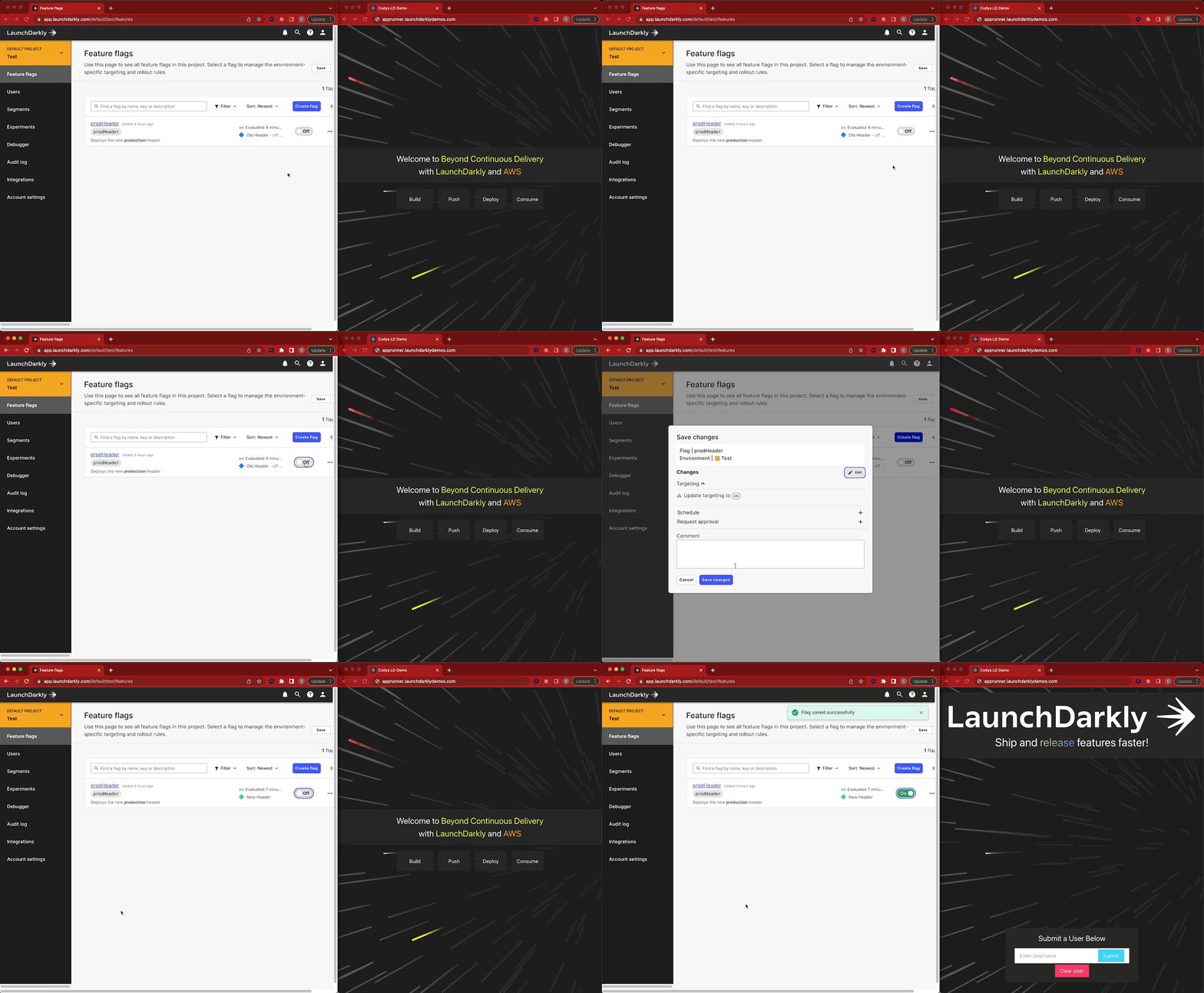
Create and Release Your First Feature Flag
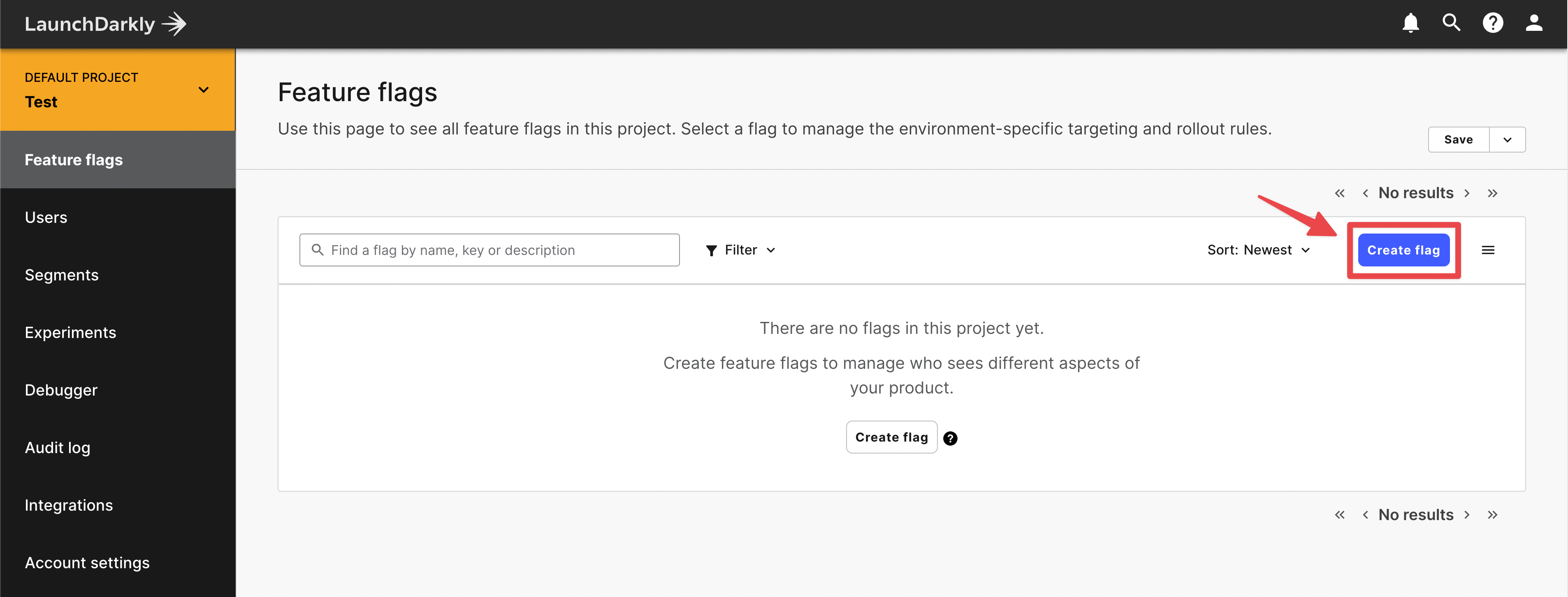 Return to your LaunchDarkly dashboard and click +FLAG, this will open a tab for configurations for the flag.
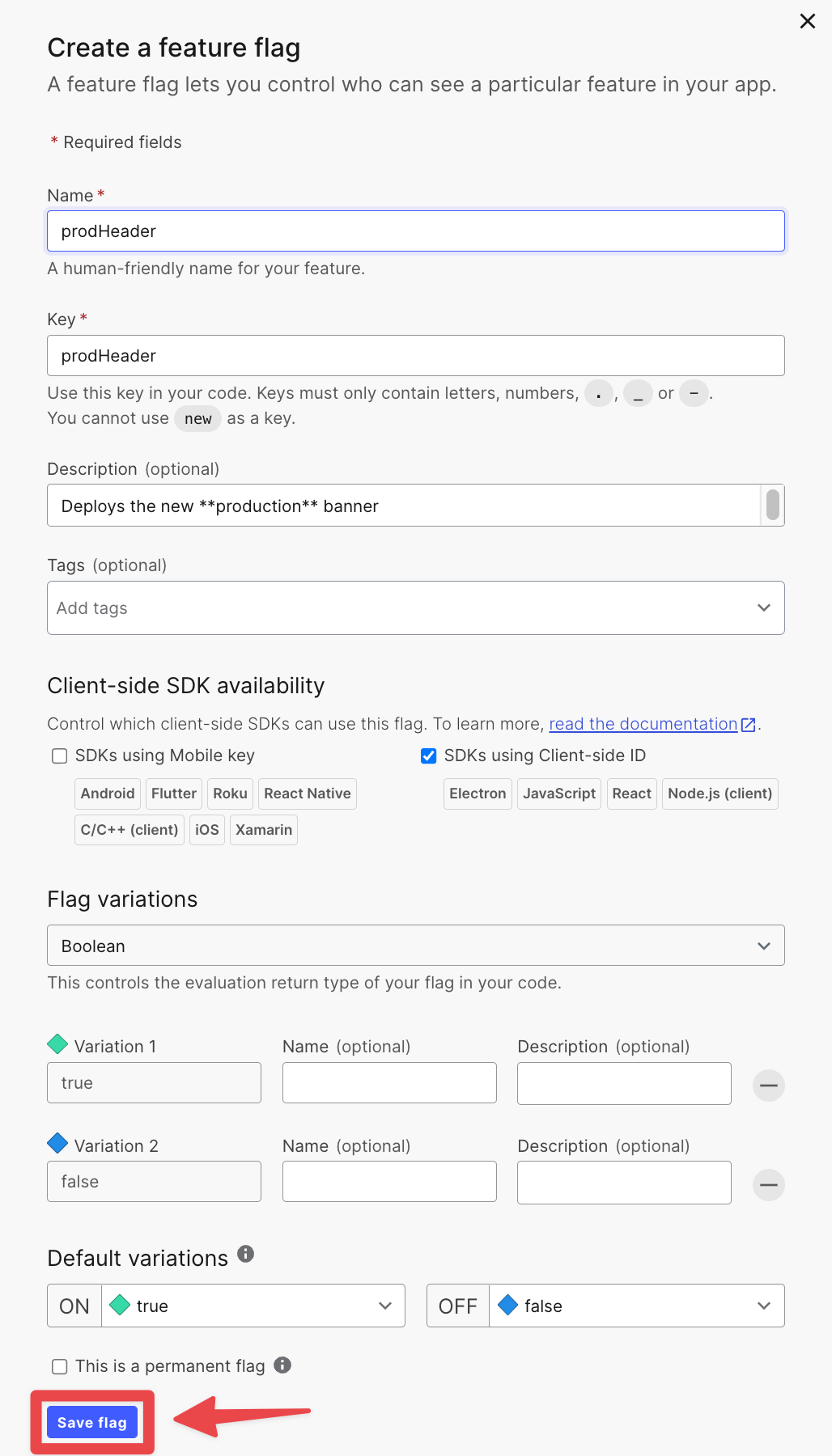 Name the feature flag
 show-widgetsand the Keyshow-widgets, check the box for “SDKs using Client-side ID”. Finally, hit SAVE FLAGThe feature flag key must be named show-widgets to match what’s in the deployed application
Turn on the feature flag and see the feature release in real-time